A complete ribbon
Home, Insert, Layout, References, Review, View and Yamama. On phones, a compact toolbar plus a “More” sheet.
Yamama Docs · available now
A full editor in the browser with real pages, styles, tables, references and review. It opens DOCX files and exports DOCX and PDF. And Yamama, an assistant that writes and polishes with you.
No account needed: 10 AI points to try. Sign up free for 50.
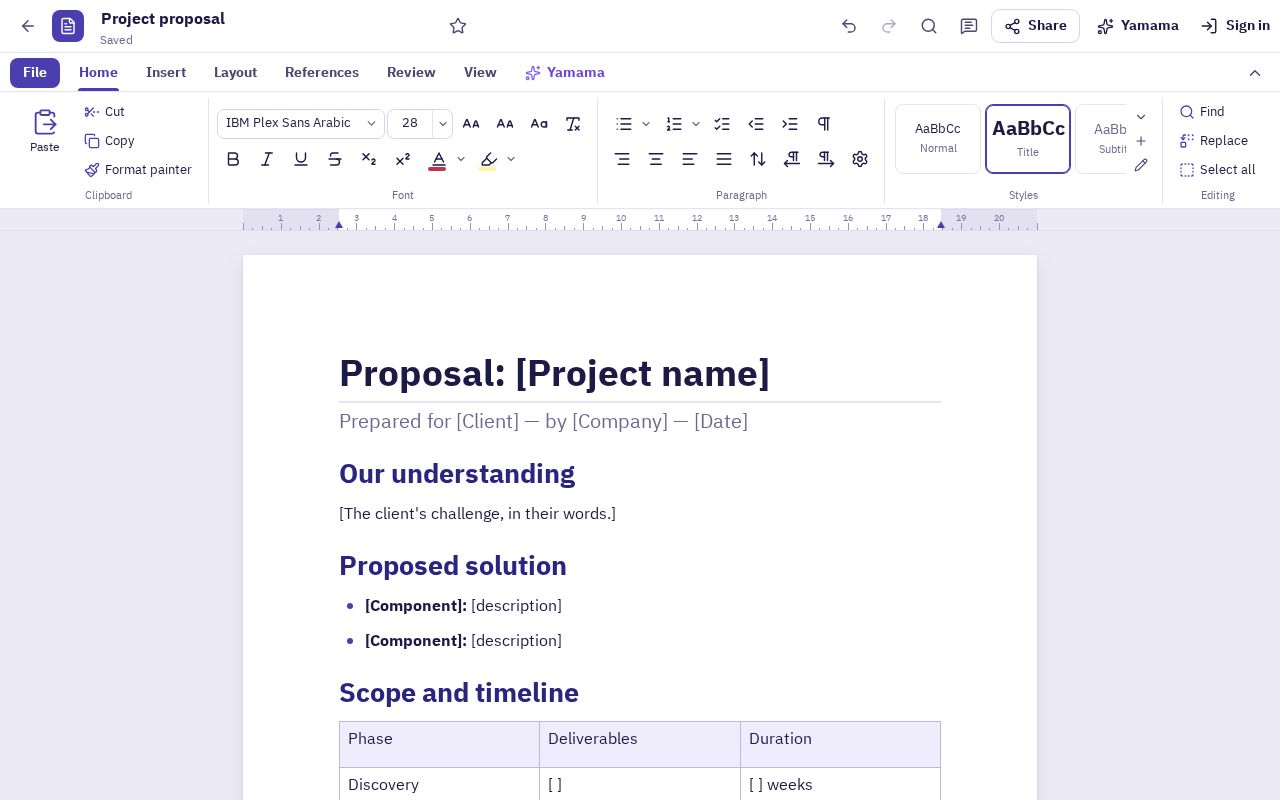
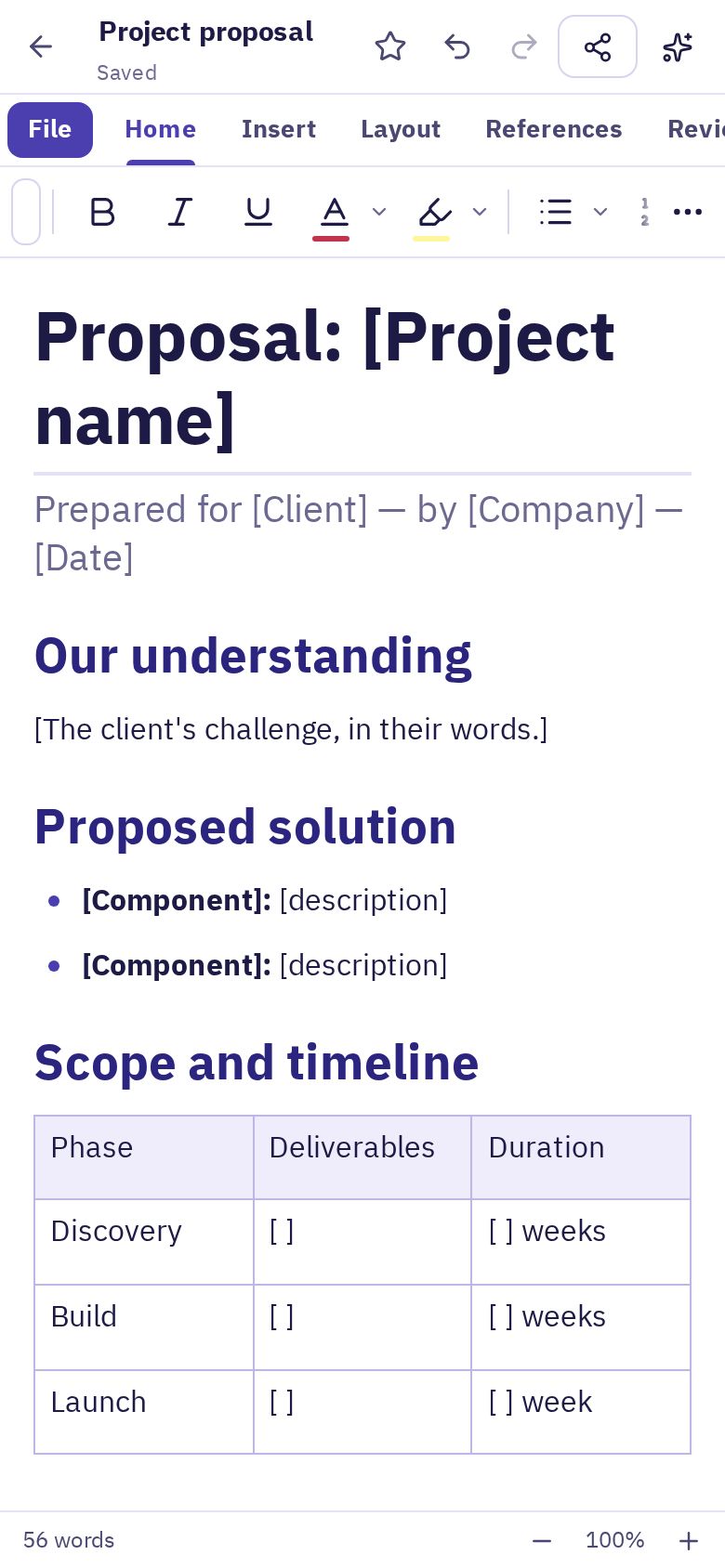
The tools you know, arranged calmly, working for real on phone and desktop.
Home, Insert, Layout, References, Review, View and Yamama. On phones, a compact toolbar plus a “More” sheet.
A4 and Letter, margins, orientation, columns, page breaks, headers and footers, page numbers, watermark and borders.
Title, headings, quote and more, plus your own. Change a style once and the whole document follows.
Merge and split cells, borders and shading, header rows. Pictures with resize, wrap and captions.
Automatic table of contents, footnotes and endnotes, captions, bookmarks and equations.
Track changes with accept and reject, threaded comments you can resolve, word count and spell check.
Direction per paragraph, Arabic-Indic numerals on request, Arabic fonts: IBM Plex, Noto Naskh, Amiri, Cairo, Tajawal.
Open DOCX files with their styles, tables and images; export DOCX, page-true PDF, HTML and plain text.
Yamama AI
Select text or describe what you want. You see the result first and choose where it goes.
The expected cost shows before anything runs, and nothing is charged if a request fails.
Write, format and export without limits, free. Points are only for AI tools, and each action is charged by its size.
Try the AI tools right away. Your documents stay on your device.
A sign-up gift. Your documents in the cloud, and everything you made before signing up comes with you.
| Plan | Yamama Drive space |
|---|---|
| No sign-up | On your device only |
| Free account | 5 GB |
| Pro | 30 GB |
| Business | 100 GB |
Largest single file: 2 GB. Each user sees their usage in Yamama Drive, and a company admin can set a different amount for one user. An upload over the quota is refused with a message showing what is used.
Open any app now on your phone or computer. Nothing to install.
No. Open Docs and start. Without an account your documents are saved on your device and you get AI points to try. If you sign up later, your documents and remaining points move into your account.
Yes. Open a DOCX with its styles, tables and images, export DOCX that opens in common document apps, and PDF with true page layout.
Yes. The interface is built for touch: a compact toolbar and a “More” sheet with every tool, and the page view fits the screen.
Each AI action is charged by the size of the text, and the expected cost shows before it runs. Nothing is charged if a request fails.
Without an account: on your device only. With an account: in your account, with a copy on the device for offline work.